EMS - Installation - Sous-Traitant - EN

Object: EMS - VPN Installation for Subcontractors
Description
This guide provides the steps to download, install, and connect to the company's VPN using the FortiClient application.
Steps
-
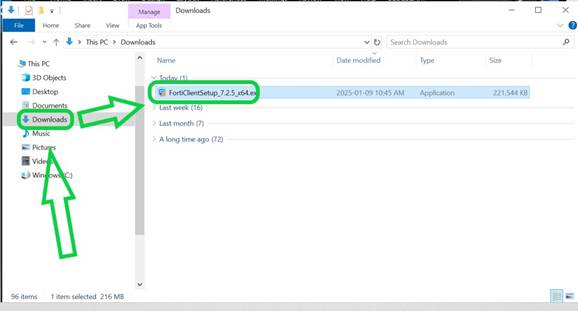
Download the VPN client by opening this link in your web browser:
https://ems.gcmconsultants.com:10443/installers/Default/SAML_VPN_SUPPLIER/FortiClientSetup_7.2.5_x64.exe -
Open the downloaded file and follow the on-screen instructions to complete the installation.
-
Search for and open the
FortiClientapplication on your computer.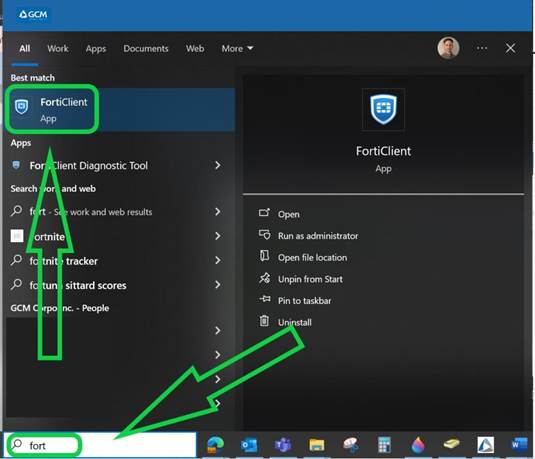
-
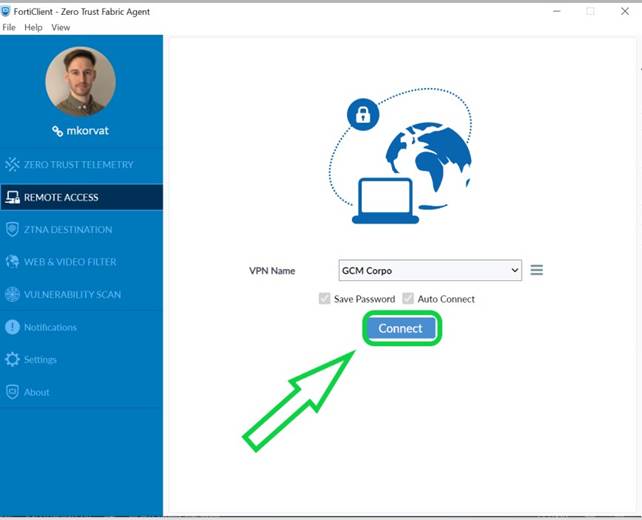
Click the
Connectbutton.