MicroStation CONNECT

Objet: Installer MicroStation CONNECT
Description
Ce document explique comment installer le logiciel MicroStation CONNECT sur votre poste de travail.
Etapes
-
Copiez le chemin d'accès suivant :
\\gcmconsultants.local\dfs\Informatique\Logiciels\Bentley\CONNECT EDITION\MicroStation -
Ouvrez l'Explorateur de fichiers et collez le chemin dans la barre d'adresse, puis appuyez sur la touche
Entrée. -
Faites un clic droit sur le fichier
installation_microstationet sélectionnezExécuter en tant qu'administrateur.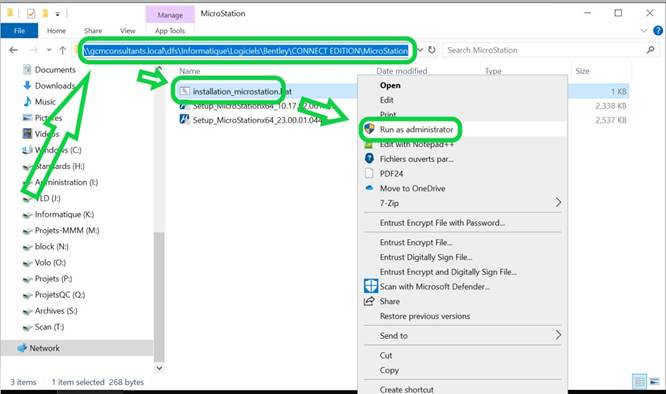
-
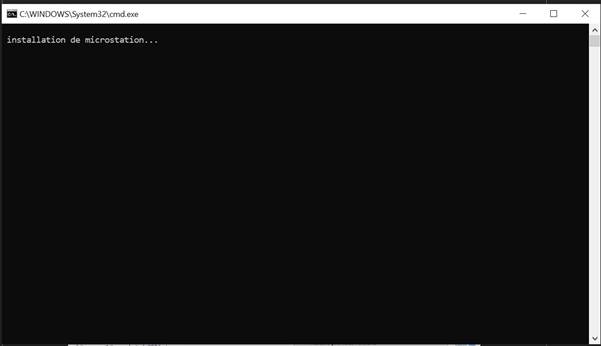
Attendez la fin de l'installation. Le processus peut prendre entre 15 et 30 minutes.